Free
$0
Unlimited classes, the reading library and the live class view.
Friend bonus: double weekly usage for 30 days when a friend invites you.
Start freeMila Tova listens to each child read, shows them which words to fix, and shows you valuable data on how every reader performs, week by week.

I’m Moreh Guy, a Hebrew teacher. Like you, I know how hard it is to get every student reading aloud in a busy classroom, and to make sure each one keeps getting better. I built Mila Tova so I could hear every reader, every time. I hope it helps your class too.
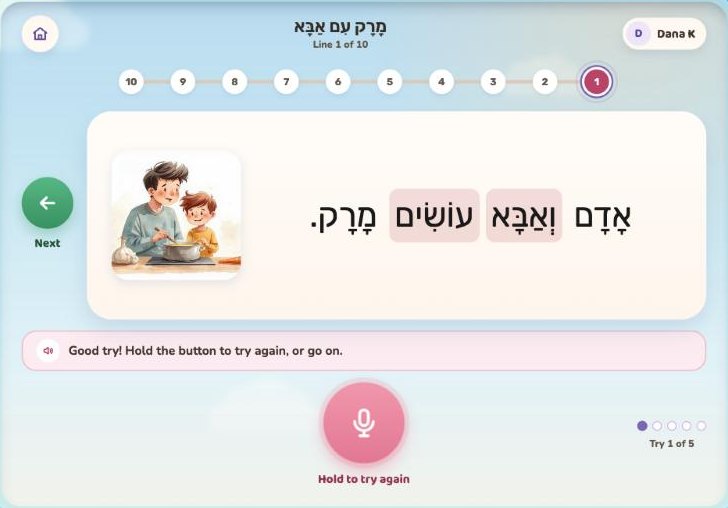
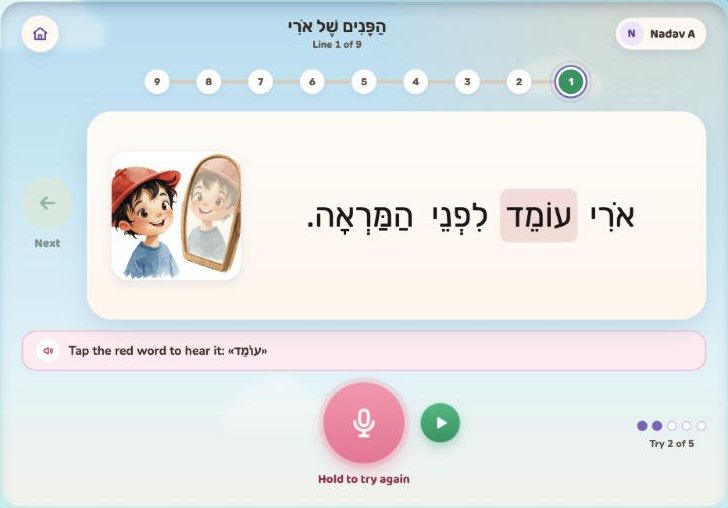
Right after reading, students see which words they got right and which to fix. Small wins keep them reading.
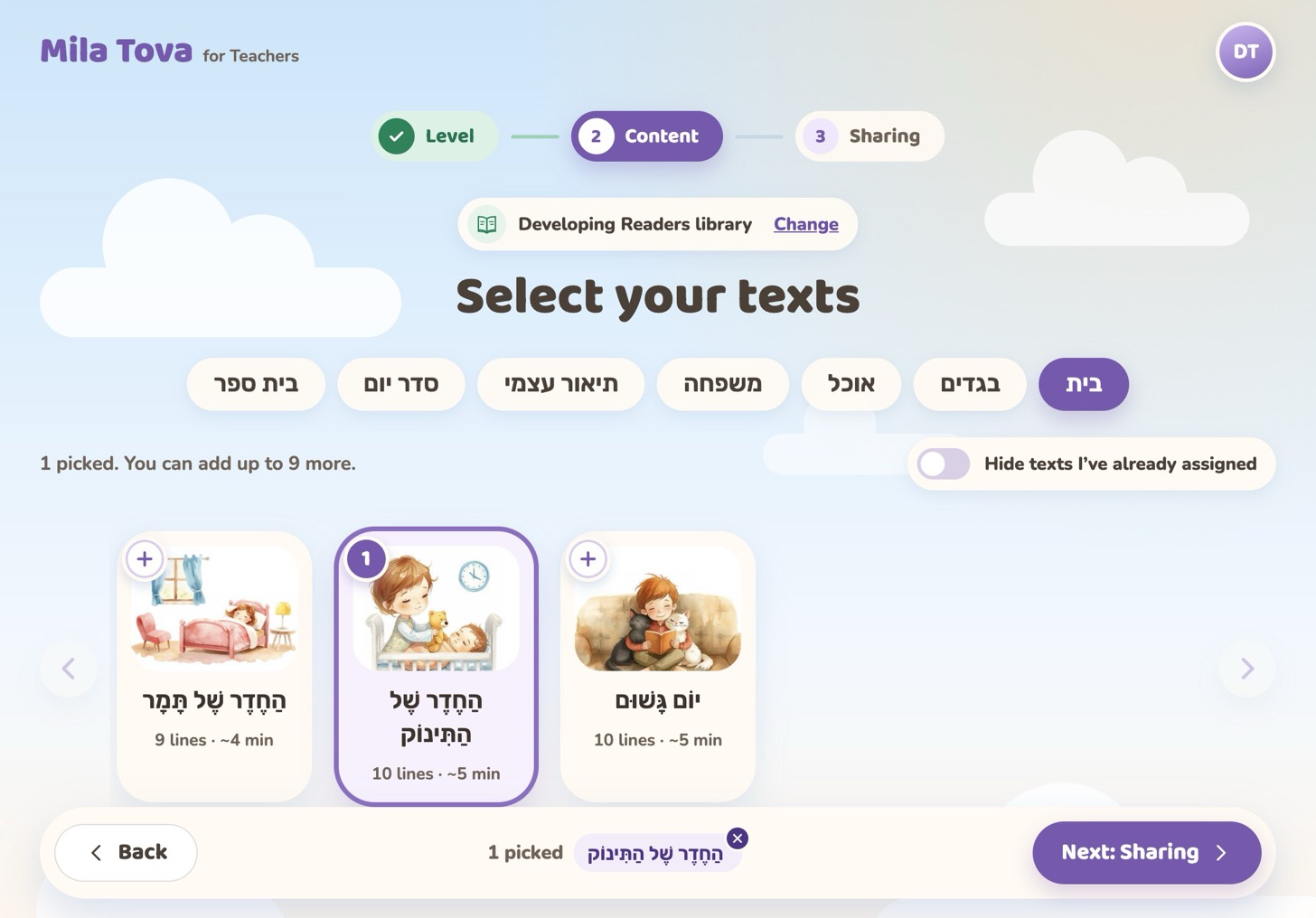
The reading assignments are ready. Pick one, share a code, and your class is reading.
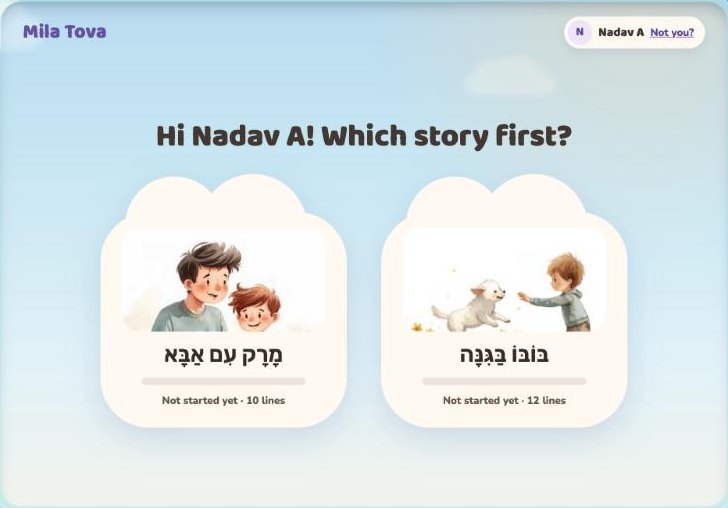
Choose what to read first, and every reader starts curious.
Students tap a red word to hear how it sounds, then try again.
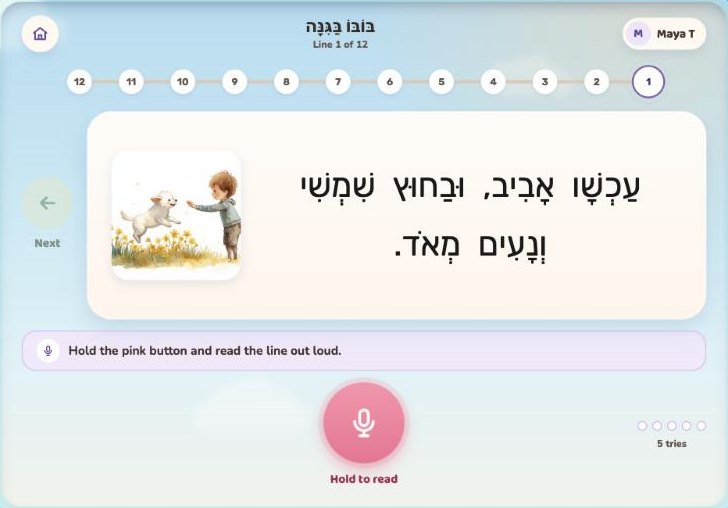
10–15 minutes at a time is all it takes to build a lasting reading habit.
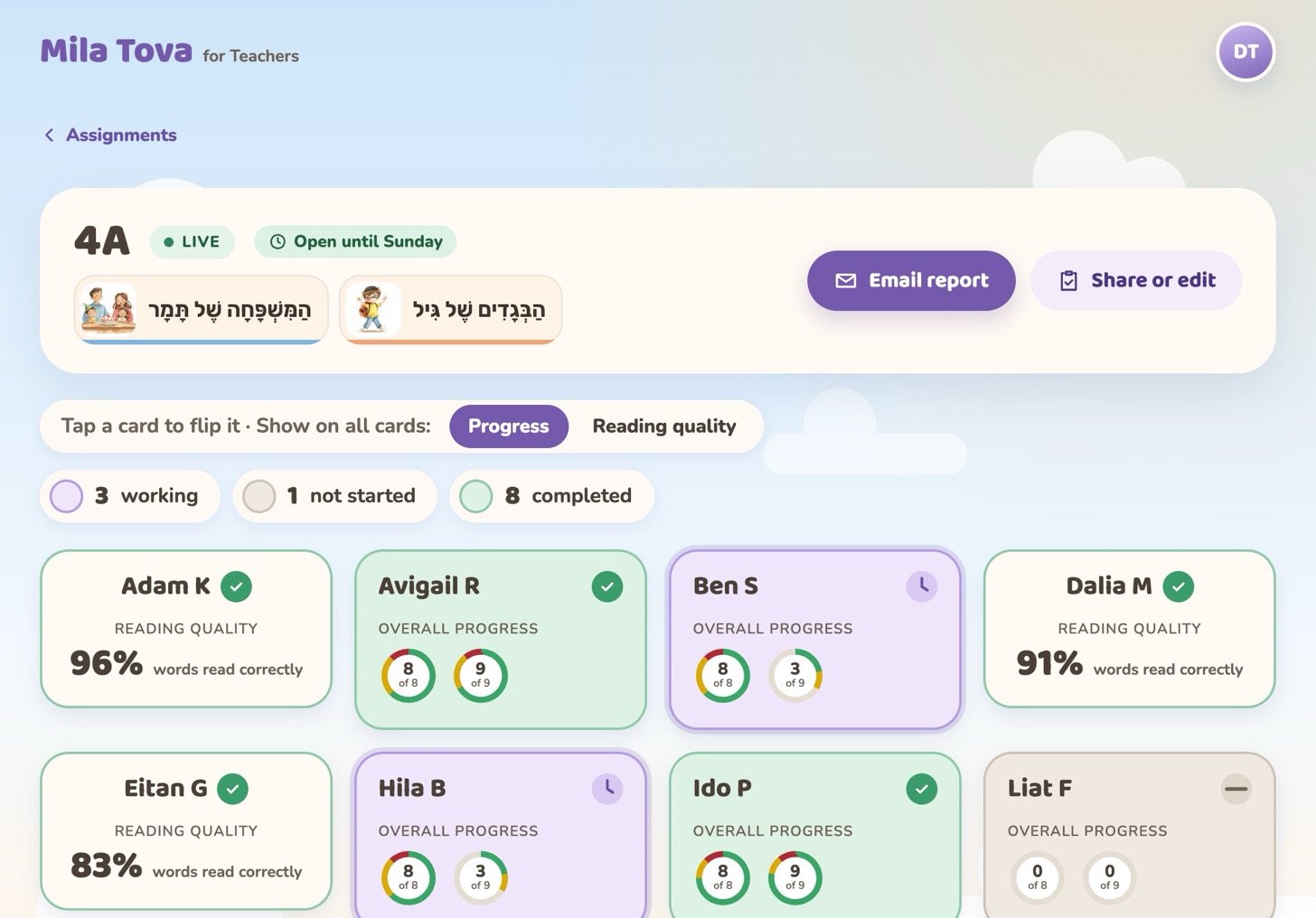
See who needs help and how each reader grows, week by week and month by month.
How it works
Choose leveled Hebrew texts with nikud, sorted by topic. Preview every line first.
Students type a 6-digit PIN, scan a QR code or open your link, then tap their name. No accounts, no passwords.
See who’s reading, who’s done and who needs you, while it happens.
Plans
Upgrade when you need more usage and reports.
BetaPlans may change while we’re in beta.
$0
Unlimited classes, the reading library and the live class view.
Friend bonus: double weekly usage for 30 days when a friend invites you.
Start free$20/ month
Five times the weekly usage, full history, progress reports and email reports.
See plansFree, with unlimited classes. Setting up takes about 2 minutes.